
Help & Support
While using our application if you require any additional assistance, you can always contact us or take our virtual assistance via Help & Support section present in the drop-down menu under my profile section.
- When you click open the drop-down menu from the profile icon, click on [Help & Support] option from the drop down. The below shown screen will appear
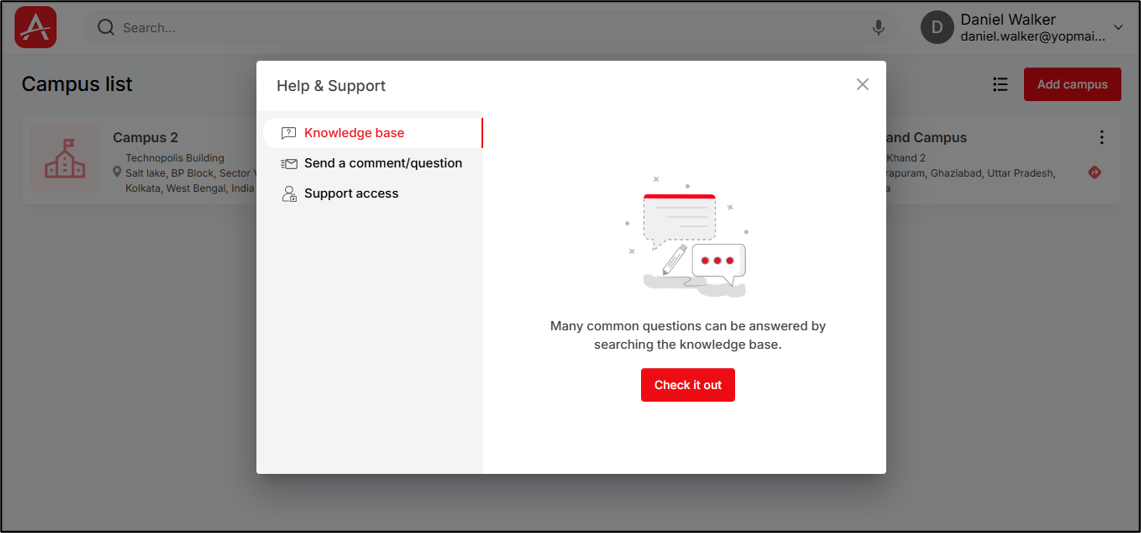
This screen contains three options,
- Knowledge base : A module & functionality wise user manual & support portal we have for you to refer if you require any detailed help on a certain feature inside the application.
- Send a comment/question: An option for you to directly send us a comment/question based on the type of information/help you require from us.
- Support access: A feature that allows you to grant our support executive temporary access to your screen within our application. This enables them to troubleshoot and assist with any issues that require their support.
Review us on G2
Share your experience with ARC Facilities -New Gen on G2!
- Click on this option from the dropdown menu, a prompt window will appear as shown below
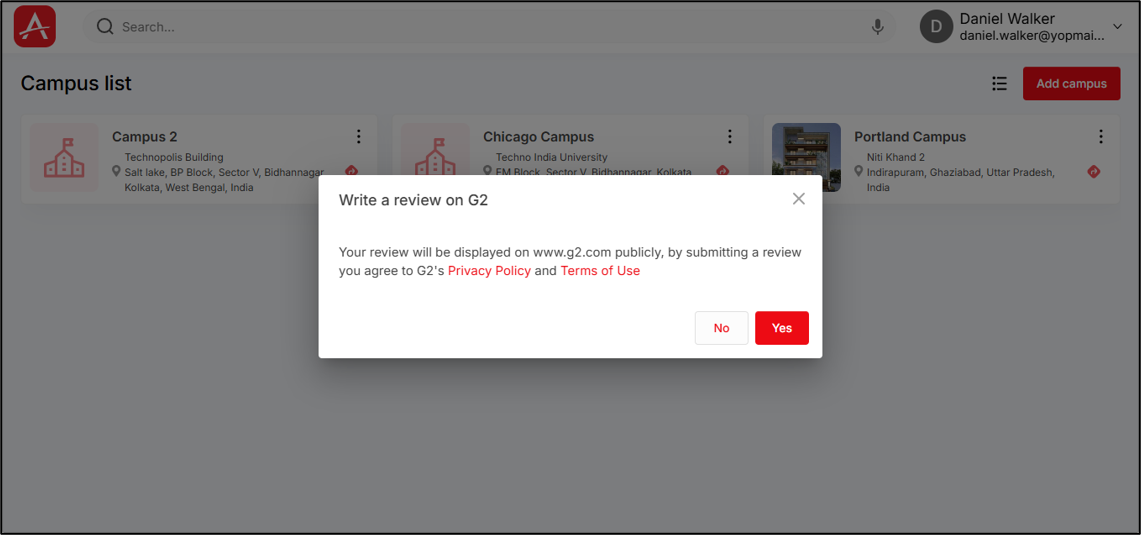
- Click on [Yes] to proceed
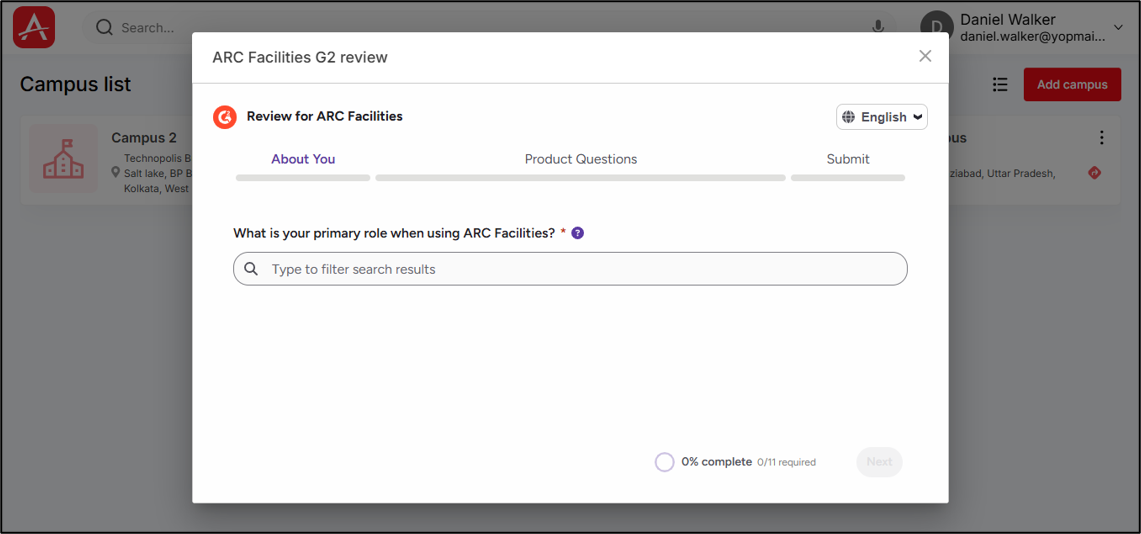
- Now, complete the process by answering the following questions in the above screen.
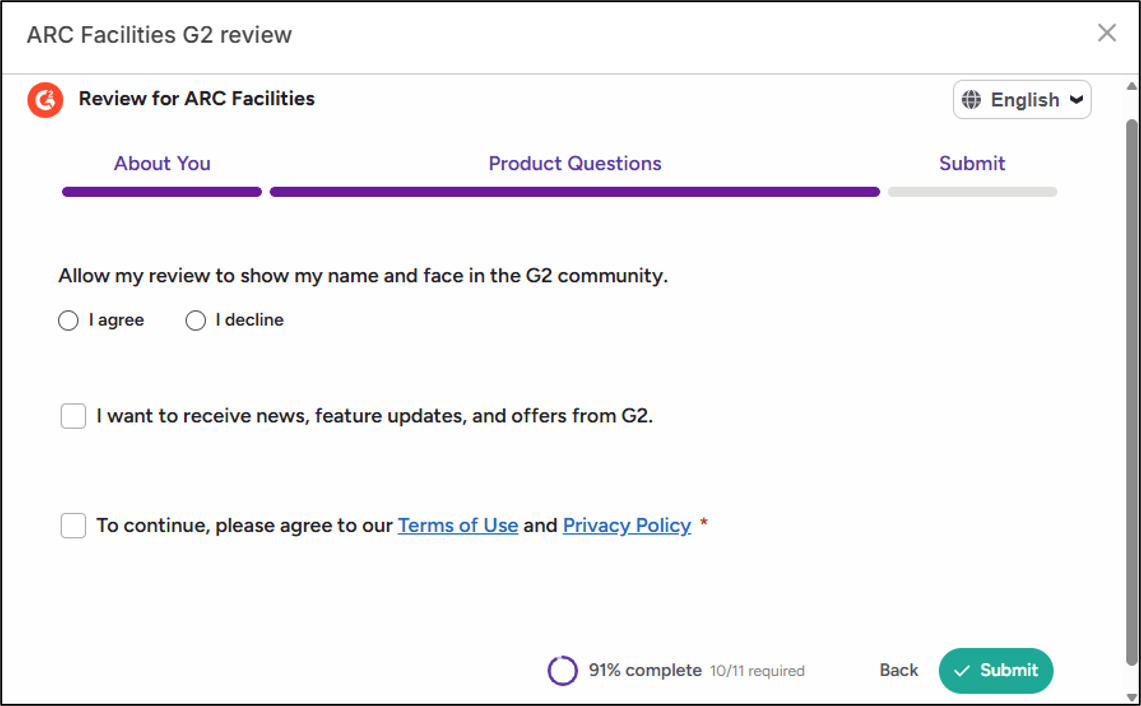
- Once you have completed answering the questions, the [Submit] button will be enabled. Click on it to successfully submit your review in G2 website.
Your feedback helps us grow and improve—thank you for your support!
Logout
If you want to log out of the application, click on this option from the dropdown menu under the profile section, you will be logged out of the application.