After you sign in, the Campus List screen appears.
To open the Legacy Documents module:
- From the Campus List screen, select a campus. The Campus Dashboard appears.
- If you have just completed the campus map setup, the Campus Dashboard appears automatically.
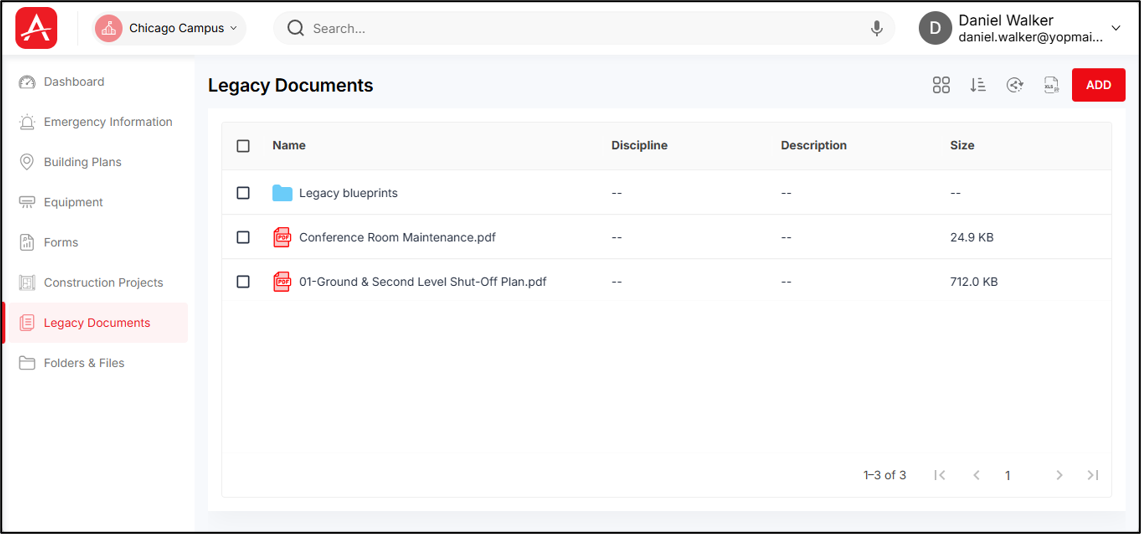
From the Campus Dashboard, select Legacy Documents from the left panel. The Legacy Documents module opens.
On opening the Legacy Documents module, you are taken to the Legacy Documents folders & files list.
The operations inside this module will be similar to that of Folders & Files module.
You will be able to move folders/files from Folders & Files module to Legacy module and vice-versa.